Style
3D Toon cartoon videos from a single prompt.
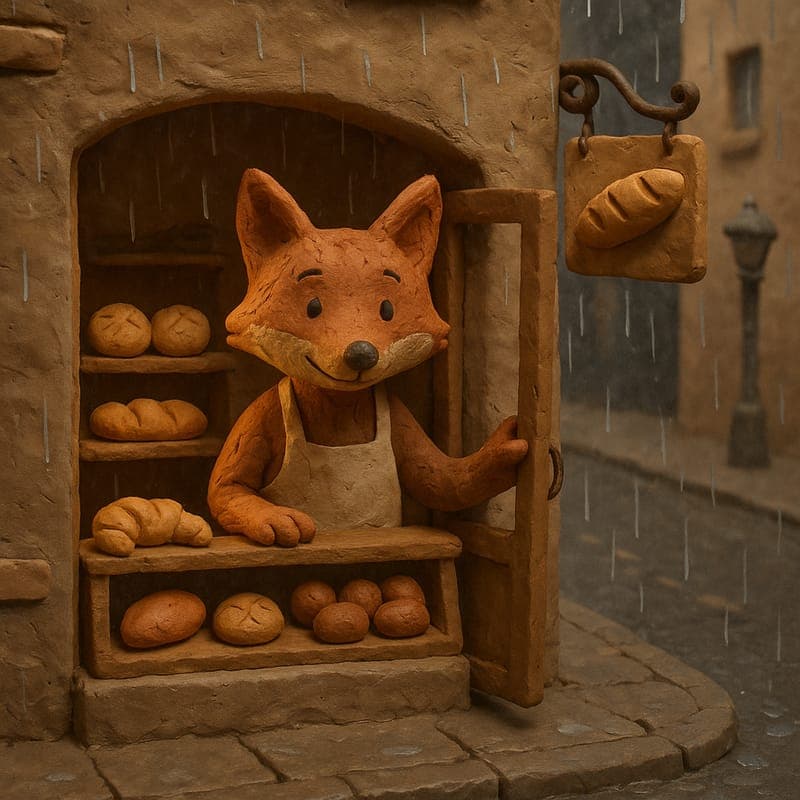
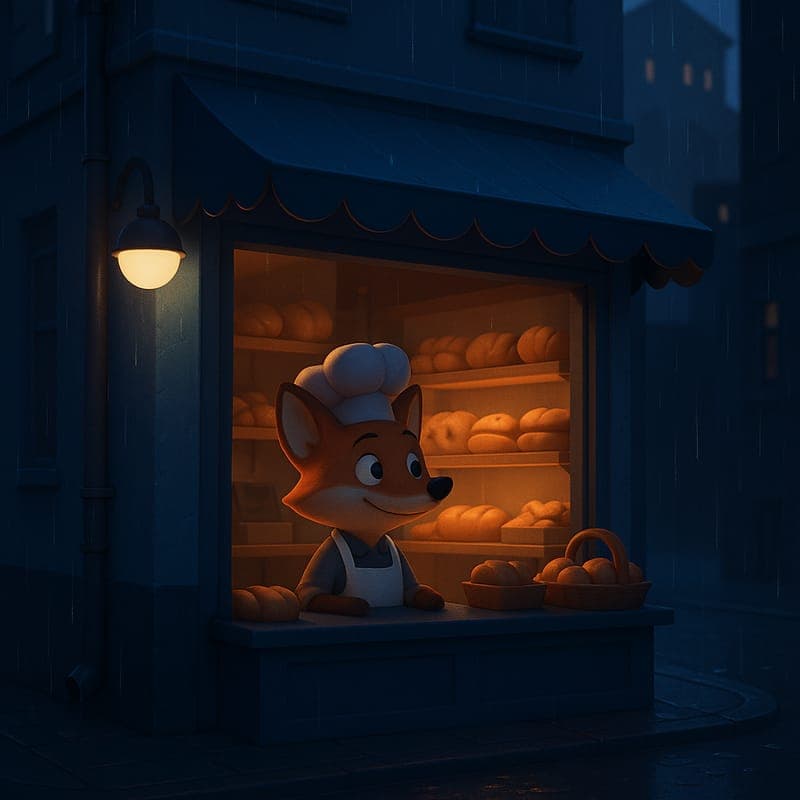
A modern 3D-animated toon render, in the spirit of a big-studio short film — smooth shading and soft rim lighting. The most premium-feeling option for polished brand or product storytelling.
Best for
- Brand storytelling
- Product explainers
- Premium-feel shorts
Try it
Example prompt
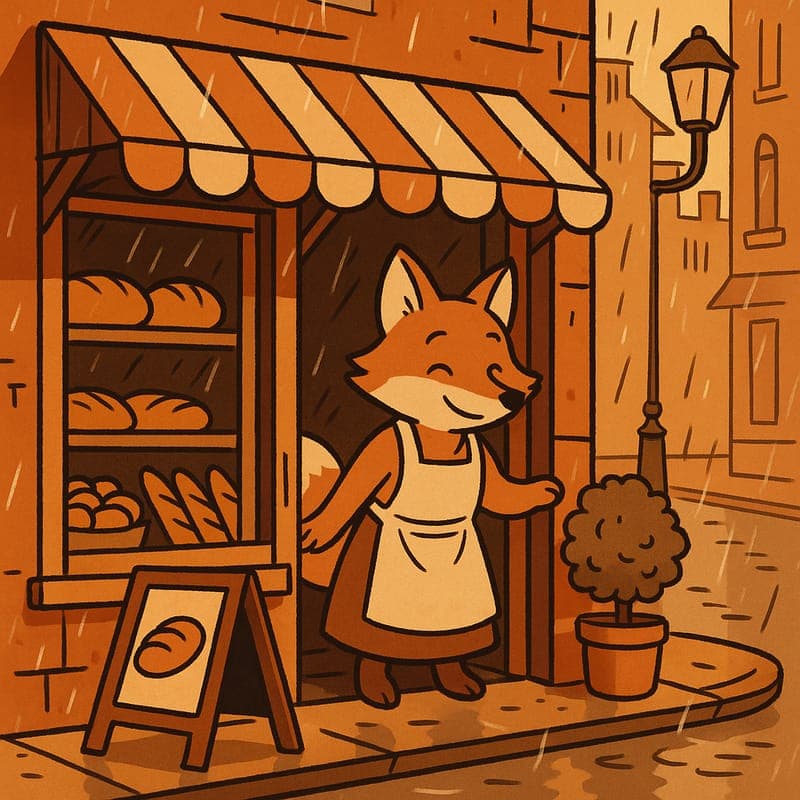
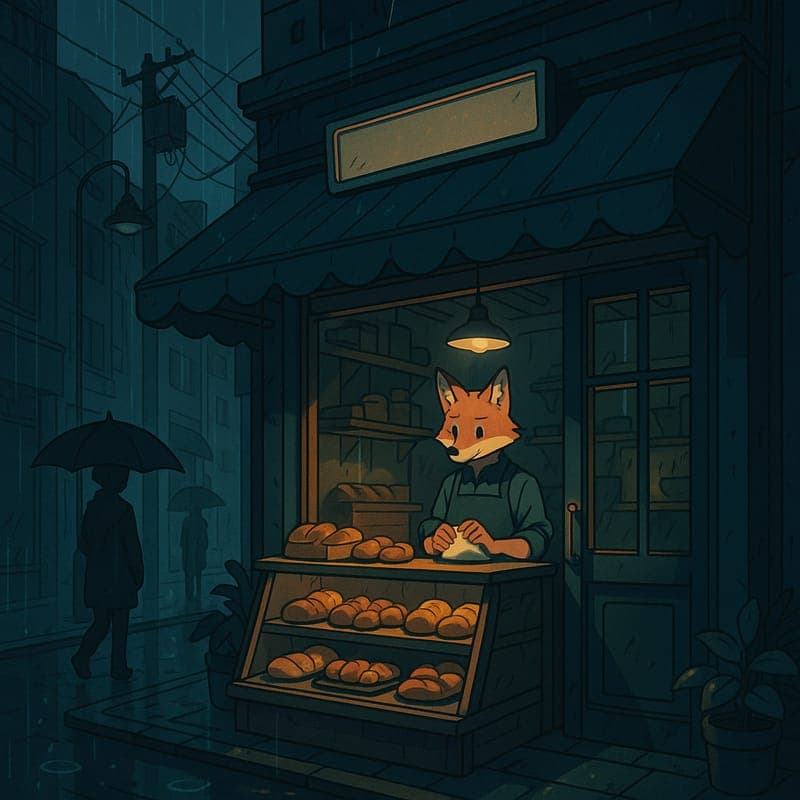
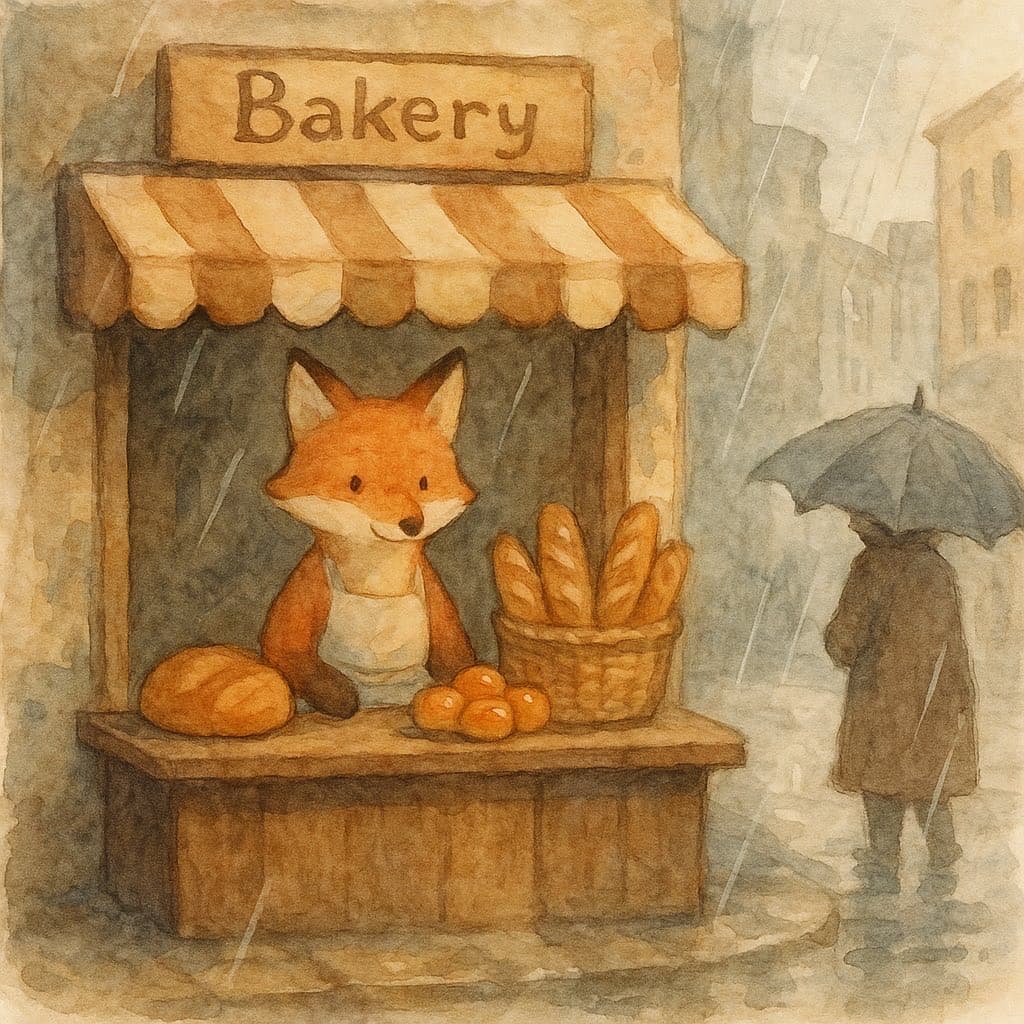
“A 3D fox mascot bakes bread while rain streaks the bakery window”
Generate this in 3D Toon →Make something with this look
Choose a workflow that fits your idea.
3D Cartoon Video Maker
The big-studio 3D look normally sits behind the most expensive pipeline in animation: modeling, rigging, texturing, lighting, and render time. CartoonMakerAI's 3D Toon style produces a smooth 3D-animated render with soft rim lighting from a written scene description, generated as a chain of consistent scenes.
Explore tool →AI Product Demo Video Maker
CartoonMakerAI helps SaaS teams, startups, and small businesses turn an approved product brief into a reviewable cartoon demo. Focus the story on one user problem, one workflow, and one accurate next step.
Explore tool →AI Animated Explainer Video Maker
Turn one useful product, lesson, or brand idea into a scene-based animated explainer. Define the viewer promise, choose a visual direction, and review the generated sequence before publishing.
Explore tool →Frequently asked questions
- Is 3D Toon the most commercial-looking style?
- It is the closest to what audiences associate with modern animated features and app advertising: rendered lighting, soft shadows and rounded volumes. That polish is why it is the usual pick for product explainers and business content.
- Does 3D Toon need more detailed prompts?
- It rewards them. Rendered lighting means the style has more to decide — key light direction, material finish, depth of field — so naming those explicitly gets you closer on the first attempt than a generic prompt does.
- Can I mix 3D Toon with other styles in one video?
- You can, but it rarely reads well. Style is a channel-identity decision more than a per-video one; switching mid-chain makes the cut look like an error rather than a choice.